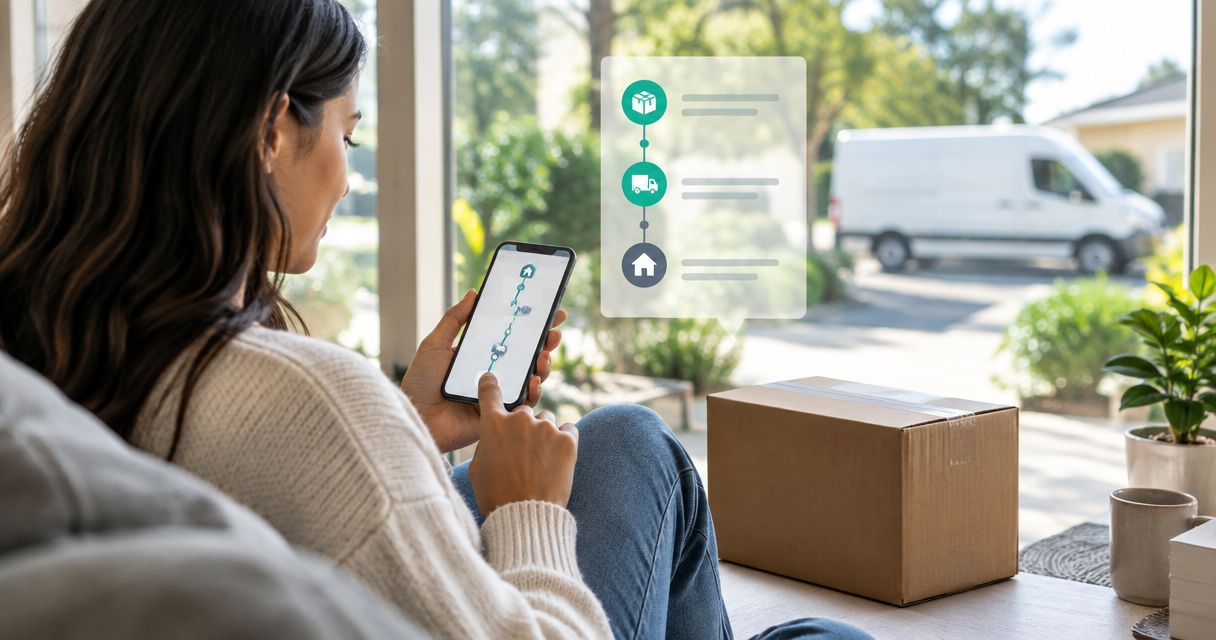
Instead of refreshing your inbox and guessing where your package is, use the tracking link from your shipping email and read the status yourself in under a minute. This guide shows how to track an Unfiltered Outfitters order in 2026, from checkout confirmation to the doorstep.
- To track an Unfiltered Outfitters order, find the shipping email and open its tracking link.
- A confirmation email alone usually means no tracking number exists yet, so the order has not shipped.
- Check the spam folder and the exact email address used at checkout before contacting anyone.
- Contact the store only when the tracking status stalls or no shipping email arrives.
Why this matters
Most "where is my order" worries in 2026 come from one mix-up: the order confirmation and the shipping notification are two different emails. The first proves you paid. The second carries the tracking number.
Knowing which one you are holding tells you whether to wait or act. A confirmation with no tracking number means the order is still being prepared, not lost.
The verdict for 2026: the fastest way to track an Unfiltered Outfitters order is the tracking link in your shipping email. Everything else is a fallback.
Before you start
- The email address you used at checkout. Updates go to that address, not to whatever address you use most.
- Your order confirmation. It holds your order number, which support will ask for.
- The gotcha: orders placed as a gift, through a family member's account, or with a different checkout email send updates to that person's inbox. Check there first before assuming nothing was sent.
Find your order emails
- Open the inbox of the email address you entered at checkout.
- Search for the brand name, Unfiltered Outfitters, and for your order number.
- Look for two separate messages: an order confirmation and a shipping notification.
- If neither appears, check Spam, Promotions and Updates tabs.
Expected result: you have found the confirmation, the shipping notification, or neither. Each outcome has a clear next step below.
Open your tracking link
- Open the shipping notification.
- Select the tracking number or the track-package button inside the email.
- Wait for the carrier's page to load and read the latest status.
- Copy the tracking number somewhere handy in case you need it later.
Expected result: a status page showing where the package is and what happened last. If the page says the label was created but nothing has scanned, the carrier has not picked the package up yet. Give it time before you worry.
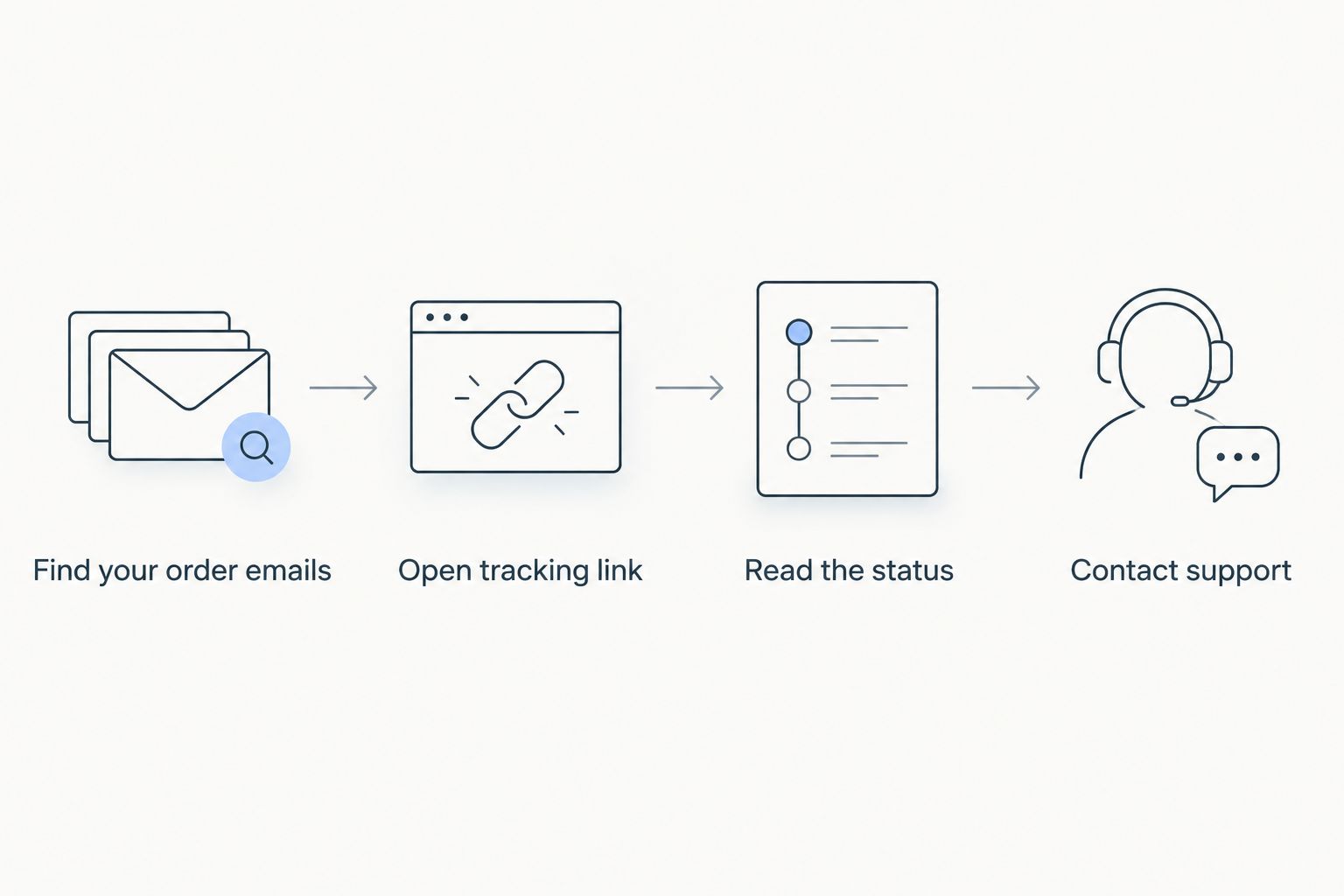
Read the status correctly
Carrier wording varies, but the stages are the same everywhere:
- Label created: the shipping label exists. The package has not moved yet.
- In transit: the carrier has the package and it is moving between facilities.
- Out for delivery: it is on the final truck. Plan for it to land today.
- Delivered: the carrier recorded a drop-off. Check your door, mailbox, neighbors and building mail room.
A label that sits untouched for a few days is common and usually not a problem. A package marked delivered that you cannot find is the one case that needs a quick follow-up.
Three ways to check an order
| Method | Best for | Catch |
|---|---|---|
| Tracking link in the shipping email | Everyone, first choice | Needs the shipping email, not just the confirmation |
| Tracking number on the carrier's own site | Re-checking later without the email | You must copy the number first |
| Contacting the store | Missing emails, stalled packages | Have your order number ready or it slows down |
Track when you did not get a shipping email
This is the second workflow people search for: you paid, but no tracking arrived.
- Confirm you have the order confirmation. No confirmation at all means the order may not have gone through, so check your bank or card statement.
- Re-check spam and the checkout email address for typos.
- Give the order a reasonable window. Orders need to be prepared before a tracking number exists.
- Use the contact option on the Unfiltered Outfitters site and include your order number and the checkout email.
Expected result: support can look up the order and tell you its actual status, instead of you guessing.
Troubleshooting
- The tracking link opens but shows no information. The carrier may not have scanned the package yet. Check again after the next business day.
- Status says delivered, but nothing is there. Look around the entrance, check with neighbors and household members, then contact the store with your order number.
- Shipping email never arrived. Search by order number and by the store name, then confirm the checkout address was typed correctly.
- You ordered a gift for someone else. The notification went to the checkout email. Forward it to the recipient so they can follow the delivery.
- Wrong size on arrival. Tracking will not help here. The hoodie size exchange guide covers the exchange path.
Customize your workflow
Tracking is easier when you set it up once and stop thinking about it.
- Star or label the shipping email so it stays at the top of your inbox.
- Save the order number in a note on your phone.
- Ordering as a gift? Read the last-minute gift guide before you check out, so the delivery lands where it should.
- Paying in installments? The pay-later guide explains the options at checkout.
While you wait on a delivery, a few pieces from the current catalog:


FAQ
How do I track my Unfiltered Outfitters order?
Open the shipping email sent to your checkout address and select the tracking link. That page shows the carrier's latest status for your package.
Why did I get a confirmation but no tracking number?
A confirmation means your payment went through. The tracking number arrives in a separate shipping email once the order is prepared and handed to the carrier.
What if my tracking shows label created for days?
Label created means the carrier has not scanned the package yet. Wait for the next business day, then check again before contacting the store.
Where do I find my order number?
It is in your order confirmation email. Search your inbox for the brand name to find it quickly.
What should I do if my package shows delivered but is missing?
Check around your entrance, with neighbors and in any shared mail area. If it is still missing, contact the store with your order number and the tracking number.
Can I track an order I bought as a gift?
Yes, but updates go to the checkout email address. Forward the shipping email to the recipient if they want to follow the delivery.
One last thing
Screenshot the tracking page on the day the package is marked out for delivery. If a carrier ever disputes the drop-off, that timestamp is the first thing support will ask for.