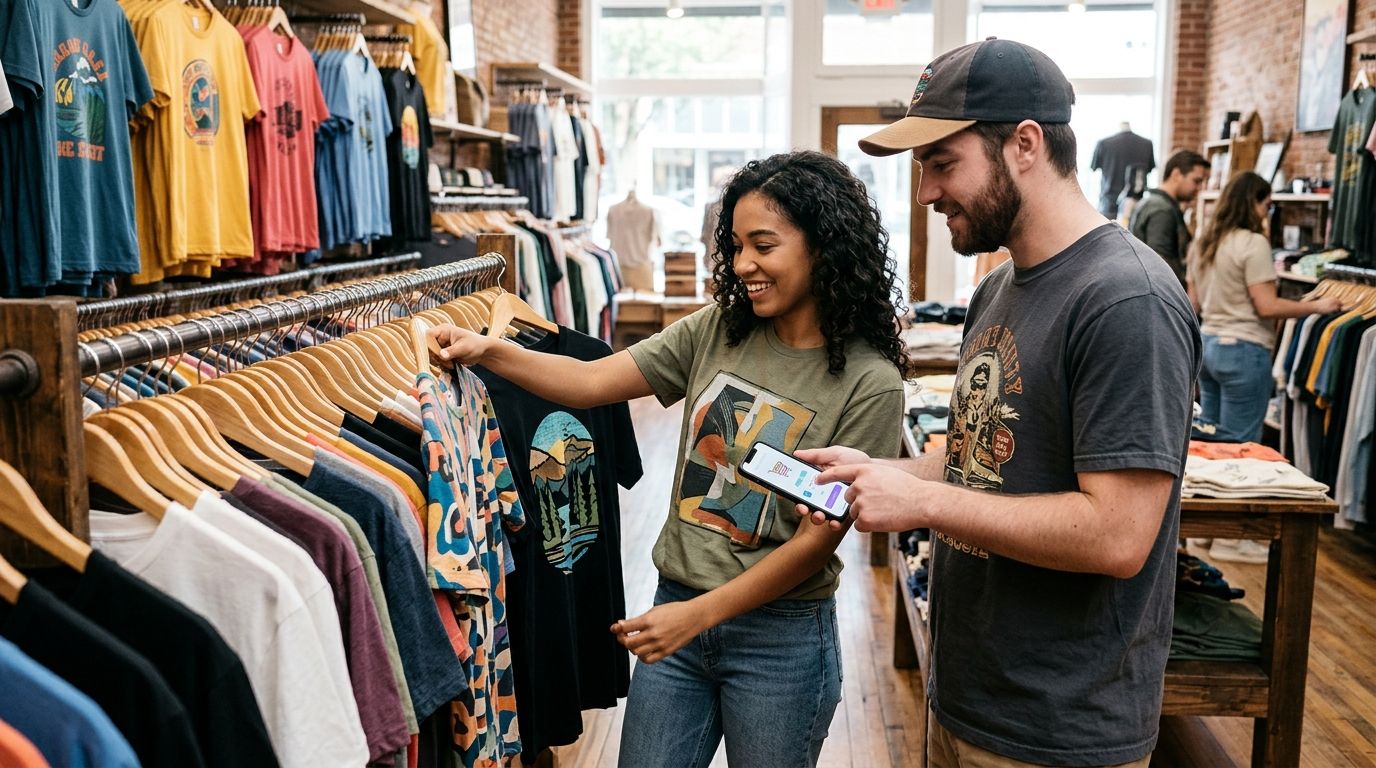
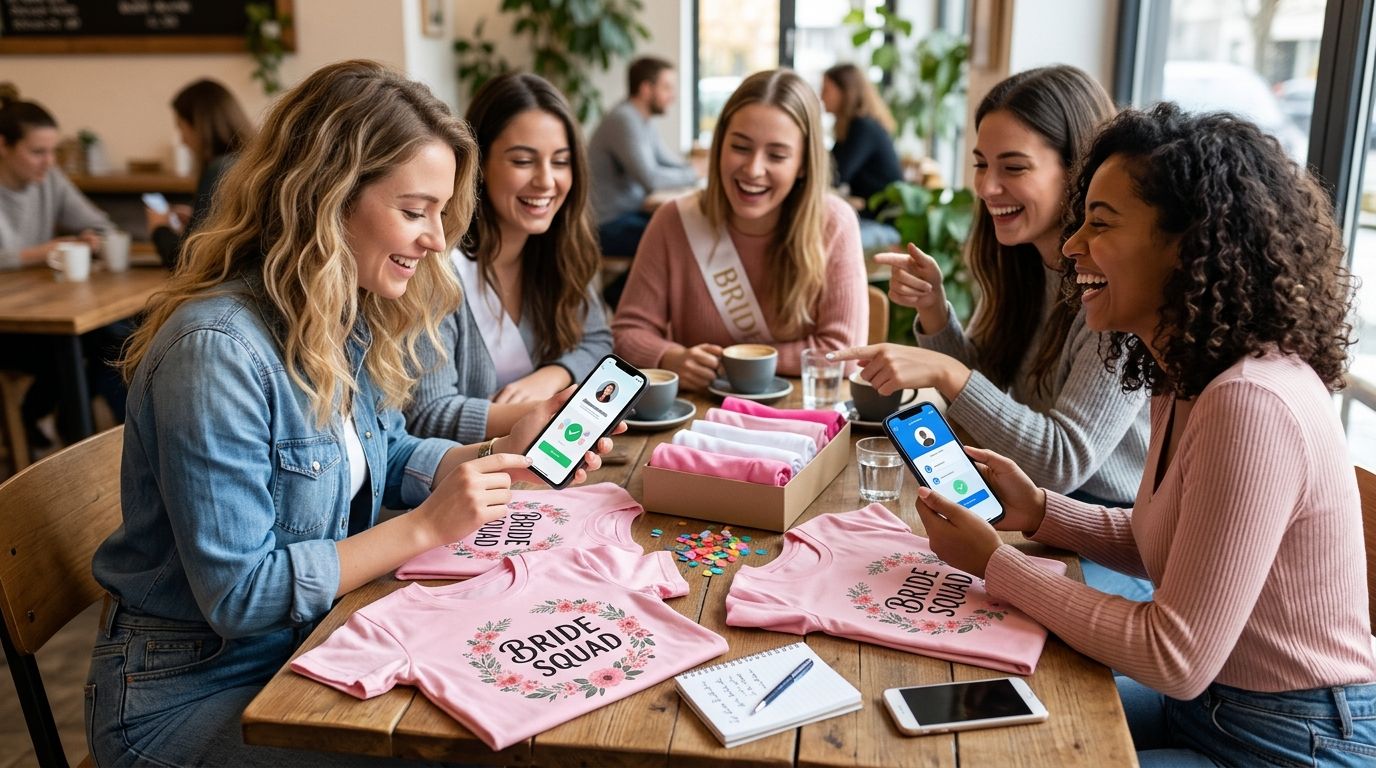
Instead of chasing shirt sizes and payment screenshots through a group chat, put every guest’s selection in one shared tracker, request reimbursement through Venmo or Cash App, and place the order after you confirm the payments. For a 2026 bachelorette shirt order, keep collecting money separate from buying the shirts: one organizer handles checkout, while each guest pays that organizer.
- For a bachelorette shirt order, Venmo handles reimbursements; keep sizes and order decisions in a separate tracker.
- Cash App works for guests who already use it; verify every recipient before sending money.
- Collect confirmed shares before checkout unless the organizer explicitly agrees to cover unpaid guests.
- Unfilteredoutfitters suits bachelorette groups looking for irreverent graphic shirts rather than formal bridal styling.
Why this matters
A payment request is not a paid shirt order. Your tracker needs to distinguish a guest who approved a design, a guest who paid, and a shirt you actually purchased. Otherwise, a friendly confirmation in the chat becomes an accidental commitment on your card.
Unfilteredoutfitters sells humor-driven graphic apparel. Choose the actual shirt before collecting money; a group’s enthusiasm for an irreverent slogan does not confirm anyone’s size or permission to spend.
This 2026 workflow uses ordinary person-to-person payments and a shared spreadsheet. It does not require connecting the store to either payment app, and it does not assume either app appears at checkout.
Before you start
- Access: The organizer needs a working Venmo or Cash App account, access to the chosen store’s checkout, and a spreadsheet guests can review. Each payer needs an account with the app they choose.
- Confirmed selections: Collect the exact shirt selection, size, quantity, recipient name, and delivery arrangement. Ask guests to approve their own entries rather than interpreting reactions in the group chat.
- The gotcha: A request, screenshot, or notification is not your payment record. Verify the incoming transaction inside your own account before marking a guest paid, and agree beforehand who covers the bride’s shirt and shared checkout charges.
Keep delivery addresses and payment identifiers out of a broadly shared document. Store only what the group needs to coordinate, and restrict editing to the organizer if accidental changes become a problem.
Guest tracker configuration
Create one source of truth
- Create a spreadsheet titled Bachelorette shirts 2026. These are suggested spreadsheet labels, not payment-app settings.
- Add columns named Guest, Shirt selection, Size, Quantity, Amount owed, Payment app, Payment status, and Order status.
- Use 1 row per guest when everyone orders one selection. Add a separate row when a guest requests another selection or size.
- Enter each guest’s approved choice. Keep the organizer’s own shirt in the tracker so the cart and guest list cover the same people.
- Set payment status to Not requested, Requested, or Received. Keep order status separate: a received payment does not mean checkout is complete.
Expected result: Every guest has a specific selection and a visible payment status. Nobody appears as paid because they merely said they wanted a shirt.
Set the split rule before sending requests
Decide whether guests cover only their own selections or also share the bride’s shirt. Then state how you will allocate shared checkout charges: equally among contributing guests, or according to another rule everyone approves.
Use an equal split only when the group agrees the shares should be equal. Different selections or quantities require individual calculations unless guests explicitly accept another arrangement.
Review the current checkout total before calculating requests. Do not turn an estimate into a final balance without explaining the difference, and do not assume a discount, shipping policy, or return policy.
For your 2026 trip, set a collection deadline in the group chat and say what happens to unpaid selections. The organizer should not have to invent that rule while standing at checkout.
Payment route configuration
Choose Venmo, Cash App, or both
Best for familiar Venmo users: Venmo. Best for familiar Cash App users: Cash App. Let existing account use guide the decision rather than asking everyone to install a different app for one shirt.
| Payment route | Best for | Advantage | Limitation | Recommendation |
|---|---|---|---|---|
| Venmo | Guests who already use Venmo | Requests keep the reimbursement action inside a familiar app | Shirt sizes and purchase status still need a separate record | Use for existing Venmo users |
| Cash App | Guests who already use Cash App | Guests can pay the organizer through their existing account | Shirt selections still need matching to incoming payments | Use for existing Cash App users |
| Both apps | Groups already split between the apps | Guests can use their preferred existing account | The organizer must reconcile separate transaction histories | Use only with one shared tracker |
Neither option replaces the retailer’s checkout. Payments between guests and the organizer are a separate part of the process, so do not treat a reimbursement as a purchase from Unfilteredoutfitters.
Send a Venmo request
- Open Venmo and select Pay/Request.
- Find the guest using their confirmed Venmo identity. Verify the username with the guest; a matching display name alone is not enough.
- Enter that guest’s agreed share and add a note identifying the bachelorette shirts. Keep sensitive trip details out of the note.
- Choose Request, review the recipient and amount, and confirm the request.
- Mark the spreadsheet Requested. Change it to Received only after you verify the incoming payment in your own account.
Expected result: The request matches one guest’s tracker entry, and your payment record distinguishes requested money from received money.
Send a Cash App request
- Open Cash App and enter the guest’s agreed share on the payment screen.
- Select Request and choose the guest using their confirmed $Cashtag or another identifier they have provided.
- Add a short note identifying the shirts, then review the recipient and amount before sending the request.
- Mark the spreadsheet Requested. Check your own transaction activity before changing the entry to Received.
Expected result: Each Cash App request belongs to a known guest and the same tracker used for Venmo. You do not need separate shirt lists for separate apps.
App layouts change. If a control has moved, use the app’s current help instructions rather than guessing which account action sends money and which requests it.
Payment reconciliation and checkout
Match payments to guests
- Review incoming transactions in each app you accepted. Match the sender, amount, and note to the corresponding tracker entry.
- Resolve unfamiliar display names privately with the guest before assigning a payment. Do not match solely because an amount looks right.
- Record partial payments as partial, with the remaining balance visible. Do not mark the entire row received.
- Perform 2 checks per guest: confirm the selection is approved and confirm the agreed share is received.
- Resolve missing payments before checkout, or explicitly record that the organizer has agreed to cover them.
Expected result: Every shirt included in the cart has a confirmed wearer and an agreed payer. The organizer can identify any exception without rereading the chat.
Check the cart against the tracker
Confirm selections, Calculate shares, Request payments, Verify receipts, Place order is the sequence. Do not skip receipt verification because the group chat says everyone is done.
Compare each cart entry with the approved selection, size, and quantity. Then compare the full cart with the funded tracker entries; this catches both missing shirts and extra shirts left from an earlier version.
Check the delivery address and the store’s stated delivery information before submitting the order. A party date is your planning requirement, not a delivery promise from the retailer.
After checkout, save the confirmation and update Order status. Tell guests the order is placed, then handle any later cancellation or return question according to the actual store policy rather than promising an outcome yourself.
Collect first, then reconcile the final checkout
Best for groups whose final shared charges are not settled yet: collect an approved estimate, then reconcile the actual receipt. This variant requires more tracking than requesting a confirmed total, so use it only when guests understand the adjustment process.
- Label the initial request as an estimate. Explain which charges remain unsettled and how you will divide them.
- Obtain approval before placing an order that exceeds the amount guests authorized. Collecting an estimate does not authorize unlimited additional spending.
- Compare the final receipt with the collected total after checkout. Apply the same split rule you agreed beforehand.
- Record any additional reimbursement or return of excess funds against the original guest entry. Check the recipient again before sending money back.
Expected result: The tracker explains both the original collection and the final settlement. No guest has to guess why a second request appeared.
For a 2026 bachelorette weekend, keep shirt adjustments separate from meals, rides, and accommodation. Combining unrelated expenses makes it harder to explain what the shirt payment actually covered.
Troubleshooting
A guest says they paid, but you cannot find it
Check the guest’s confirmed payment identity and your transaction history in the app they used. Ask them to verify the recipient and transaction status privately.
Do not request a second payment until you resolve the first one. A screenshot helps investigate; it does not replace verification in your account.
A payment went to the wrong person
Stop sending additional money and verify the intended recipient directly with the guest. The sender should use the app’s official support process for the mistaken transaction; do not promise recovery.
Do not send a supposed corrective payment to a new account supplied by an unsolicited message.
A guest changes size after paying
Update the tracker before touching the cart, then check whether the selection change affects the guest’s share. Get approval for any difference before proceeding.
If checkout is already complete, check the retailer’s actual order-change process. Payment receipt does not establish that an order can still be changed.
Someone pays twice or through both apps
Match both transactions to the guest and confirm the duplicate before returning anything. Record the correction so the spreadsheet still explains the money received and returned.
Verify the recipient again. Do not send a refund to a different account merely because a message asks you to.
Someone has not paid by the deadline
Send a private reminder with their confirmed selection and outstanding balance. Apply the rule agreed before collection: leave the selection out, or record the organizer’s explicit decision to cover it.
Silence is not permission to charge a guest or a commitment from the organizer to fund their shirt.
Customize your workflow
For a coordinated look, settle the design before collecting sizes. For individual slogans, keep the exact selection on every row and calculate each guest’s share from the actual cart.
Unfilteredoutfitters graphic shirts fit an irreverent theme, but humor is a personal choice. Get each wearer’s approval rather than treating the bride’s favorite joke as everyone’s consent. The bachelorette party shirts with an edge guide is the next stop for choosing the group’s direction before requesting money.
For your 2026 tracker, add a private distribution checklist after purchase. Record who receives each shirt and whether handoff happens before the trip or at the gathering; this is your arrangement, not a retailer service.
FAQ
What is the easiest way to split a bachelorette shirt order with Venmo?
Use one organizer, one guest tracker, and individual Venmo requests for approved shares. Verify incoming payments before placing the order, unless the organizer explicitly agrees to cover unpaid guests.
Can I use Cash App instead of Venmo for bachelorette shirts?
Yes, use Cash App to collect reimbursements from guests who already use it. Keep shirt selections and payment status in the same tracker regardless of which app each guest chooses.
Does everyone need to use the same payment app?
No, the organizer can accept both Venmo and Cash App. Match transactions from both accounts to one guest list so a payment in one app does not trigger an unnecessary request in the other.
Should I collect shirt money before ordering?
Collect confirmed shares before ordering unless you have explicitly agreed to cover the group. Set a deadline and explain what happens to unpaid selections before sending requests.
How do we split the bride’s shirt?
Agree who contributes to the bride’s shirt before calculating individual requests. Apply the approved split consistently and identify that contribution separately from each guest’s own selection.
Does a Venmo payment mean the store received my shirt order?
No, a payment to the organizer is a reimbursement, not the store order. The organizer must complete checkout and retain the retailer’s confirmation separately.
What if the final checkout total changes after everyone pays?
Reconcile the actual receipt using the split rule the group approved. Obtain permission before spending beyond an authorized share, and record any additional collection or return of excess funds.
One last thing
Keep the organizer’s own shirt in the tracker. Leaving it out creates a mismatch between the cart and the guest list even when everyone else paid correctly. Before submitting an Unfilteredoutfitters order, compare every cart entry with a named wearer—not just the total money collected.